Nintendo Switch USB-C Repair
Loose or damaged USB-C connectors, bent contacts, intermittent charging, charging only at an angle, dock connection failure, and damaged board mounting points.
Nintendo Switch repair in Miami for USB-C charging faults, damaged screens, dock-output problems, Joy-Con issues, reader failures, overheating, liquid exposure, and no-power symptoms. Your exact model and condition are reviewed before repair options, pricing, and service details are confirmed.
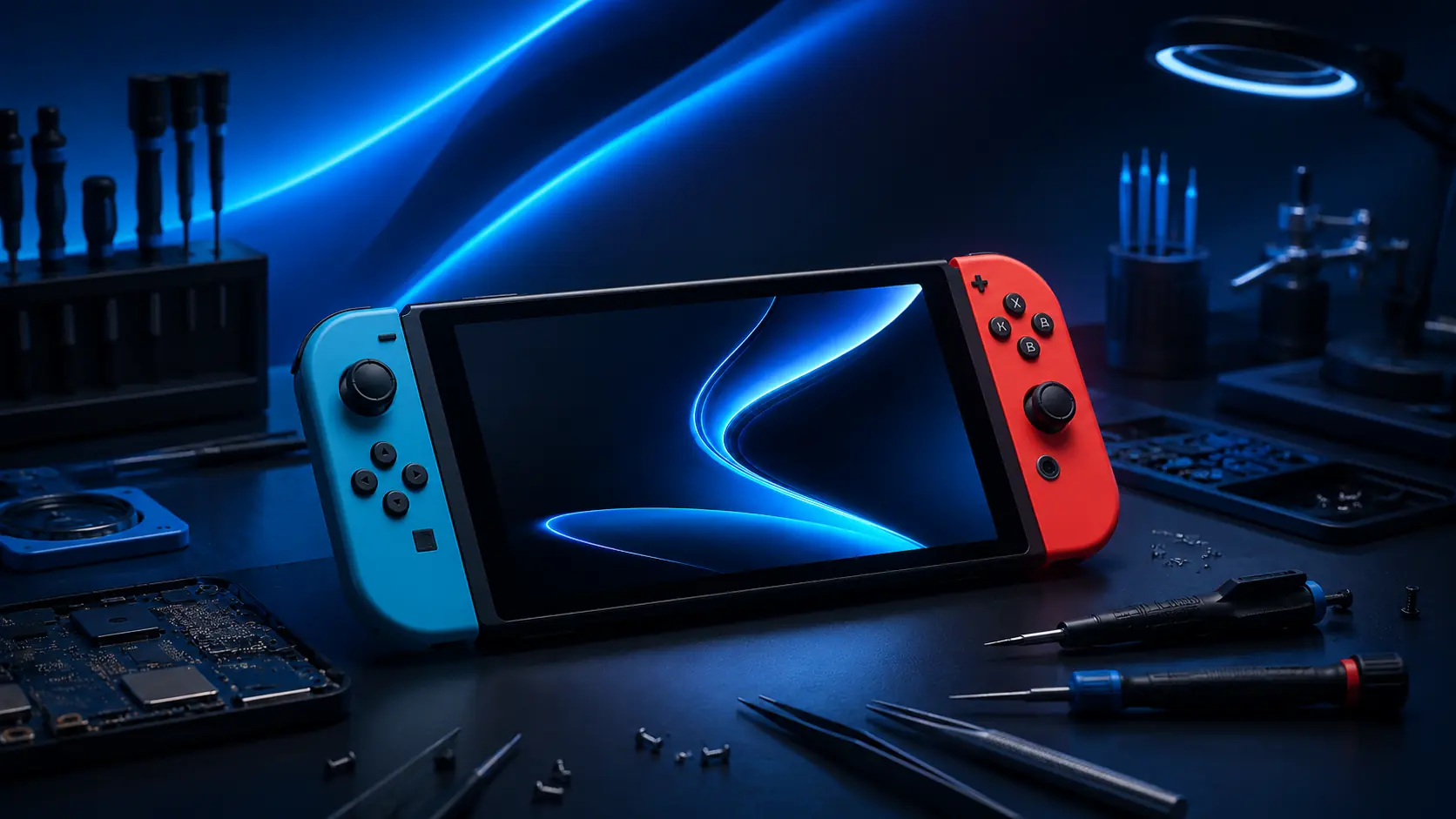
Charging, dock, display, controller, battery, and startup symptoms may have more than one possible cause. A Switch that will not display on a television may have a dock, cable, display, USB-C, charging-controller, video-output, or motherboard fault. A black handheld screen may involve the display, backlight, battery, power system, or incomplete startup.
Loose or damaged USB-C connectors, bent contacts, intermittent charging, charging only at an angle, dock connection failure, and damaged board mounting points.
Cracked glass, failed LCD or OLED displays, black spots, colored lines, flickering, image loss, backlight problems, and touch-layer damage.
The system charges in the dock but produces no television image, repeatedly disconnects, displays intermittently, or fails to communicate with the dock.
Analog-stick drift, connection loss, charging failure, button problems, damaged controller rails, loose attachment, and Joy-Con recognition problems.
Games are not recognized, cartridges produce errors, cards must be repositioned, microSD storage disappears, or either reader has physical damage.
Completely unresponsive systems, boot failure, repeated restarting, shutdowns, battery drain, partial power, or devices that charge without completing startup.
Display type, controller design, charging assemblies, battery, frame, cooling system, internal layout, and replacement parts vary by model and hardware revision. Exact model identification is required before compatible parts and repair requirements can be confirmed.
Repair review for standard Switch systems with removable Joy-Con controllers, LCD displays, dock support, USB-C charging, internal cooling, and model-specific board revisions.
Repair review for OLED displays, touch layers, removable Joy-Con controllers, USB-C charging, docks, batteries, fans, readers, and model-specific internal assemblies.
Repair review for integrated controls, LCD and touch damage, analog-stick drift, charging ports, batteries, readers, speakers, buttons, cooling, and no-power faults.
Board revisions and special-edition housings may use different screens, batteries, rails, fans, connectors, and internal parts. The model and serial information help identify compatibility.
A Switch that will not charge or display through a dock does not automatically need a USB-C port. The charger, cable, dock, connector, battery, charging controller, power-management circuit, video-output path, damaged pads, liquid exposure, or motherboard may produce similar symptoms.
We inspect internal contacts, cable fit, looseness, bent pins, debris, corrosion, broken anchors, damaged pads, and whether charging and dock communication remain stable.
Slow charging, rapid drain, percentage instability, shutdowns, charging that stops early, swelling, and a system that powers off immediately after cable removal.
A damaged dock, incompatible or failed charger, cable problem, contaminated connector, or external display setup should be ruled out before board-level repair is recommended.
A system may charge in the dock while failing to output video because of dock communication, USB-C signal paths, filters, video circuitry, board damage, or display setup.
Charging or power-management controllers, filters, capacitors, damaged signal lines, shorted components, and board faults may prevent charging even when the port looks intact.
Forced or previously replaced ports may leave lifted pads, torn traces, missing anchors, solder bridges, heat damage, or incomplete USB-C connections.
The display panel, touch layer, controller, console rail, analog stick, button flex, game-card reader, headphone socket, and microSD reader are separate components. The symptom and affected model determine which assembly requires testing.
Black areas, colored lines, flickering, image loss, pressure damage, discoloration, dead pixels, or a display that remains black while the console produces sound.
The display image remains visible but taps, swipes, or specific areas do not respond, register incorrectly, or activate without input.
Characters or menus move without input, sticks do not return to center, movement is inconsistent, or calibration does not correct the behavior.
Controllers are not detected when attached, disconnect during play, fail to charge, feel loose, or have damaged console-side or controller-side rail contacts.
Physical games are not detected, produce read errors, require repeated insertion, or stopped working after cartridge, impact, or liquid damage.
Storage cards disappear, produce errors, are not detected, work intermittently, or have damaged reader contacts, sockets, or board connections.
Power and heat symptoms may involve the battery, charger, USB-C connector, fan, heat sink, thermal material, vents, charging circuit, shorted component, liquid corrosion, damaged display, or incomplete startup.
No screen response, no charging indicator, no sound, no controller connection, and no detectable startup behavior after known-good charging time.
Sound, fan activity, controller response, dock behavior, or other signs of startup may indicate display or backlight failure rather than complete no power.
Loud fan noise, grinding, no airflow, rapid overheating, temperature warnings, shutdowns during gameplay, blocked vents, or damaged cooling components.
Repeated thermal warnings, shutdowns under load, abnormal heat near the charging area, battery heat, or a system that becomes hot before completing startup.
Charging faults, display problems, controller connection issues, corrosion, short circuits, reader failure, sound problems, and no power after liquid contact.
Stop charging when safe and do not compress a swollen housing, raised screen, or separated rear panel. Expansion can damage the display, frame, and internal components.
Board-level work may be required when a connector is soldered directly to the motherboard, copper pads or traces are torn, charging or video circuitry has failed, components are missing, corrosion has damaged circuits, or a previous repair attempt caused additional damage.
Precision removal and installation of board-mounted USB-C connectors, followed by inspection of all contacts, anchors, pads, and nearby components.
Missing connector pads, torn signal paths, damaged anchors, broken vias, and incomplete board connections may require reconstruction or jumper work.
Failed charging, power-delivery, battery-management, or supporting circuits may cause no charge, unstable power, excess current draw, or complete no power.
Damaged filters, USB-C signal lines, missing components, video-output circuitry, or board faults may prevent dock communication and television output.
Liquid residue, missing copper, damaged components, shorted rails, and corrosion beneath connectors may require cleaning, testing, and circuit repair.
Excessive heat, solder bridges, incorrect parts, missing components, damaged board layers, loose jumpers, and incomplete port work can increase repair complexity.
Submit the exact Switch model and symptoms for review. Available repair options and final pricing are provided before paid repair work begins.
Choose game console, Nintendo, the exact Switch family, hardware revision when known, and the closest repair concern.
Include charging behavior, handheld display, dock output, controller response, reader errors, heat, liquid exposure, and prior repair history.
Select the available service option, appointment preference, and location information required to review and confirm the request.
We review the system, confirm the recommended repair, provide final pricing, and obtain approval before paid work begins.
We review repair requests for supported original Nintendo Switch, Switch OLED, Switch Lite, hardware revisions, and special-edition systems. Availability depends on the exact model, condition, required repair, and parts availability.
Yes, on supported systems. We inspect the connector, internal contacts, anchors, solder pads, traces, charging behavior, dock communication, and nearby board components before confirming replacement.
Possible causes include the dock, power adapter, HDMI cable, display input, USB-C connector, signal lines, filters, video-output circuitry, or another board-level fault.
Yes, on supported models. LCD or OLED image failure and touchscreen failure are separate problems, so we review the visible image, touch response, frame, impact damage, and power behavior first.
We review analog-stick drift, button problems, charging failure, controller detection, loose attachment, damaged rail contacts, and console-side or Joy-Con-side connection faults.
Yes, on supported systems. Reader problems may involve the cartridge or storage card, damaged contacts, reader sockets, internal flex cables, connectors, liquid exposure, or board-level damage.
We review supported systems for corrosion, charging faults, display problems, controller-rail failure, reader problems, sound issues, short circuits, and no-power symptoms. Repair options depend on the extent and location of the damage.
Yes. Final pricing depends on the exact model, failed component, required parts, physical or liquid damage, prior repair work, board-level reconstruction, and inspection findings. Pricing is provided for approval before paid work begins.
Yes. Repairs performed by Primitive Tech Repairs include a 1-year parts and labor warranty covering the replacement parts installed and repair work performed. The warranty does not cover new physical damage, liquid damage, misuse, tampering, or unrelated device failures.